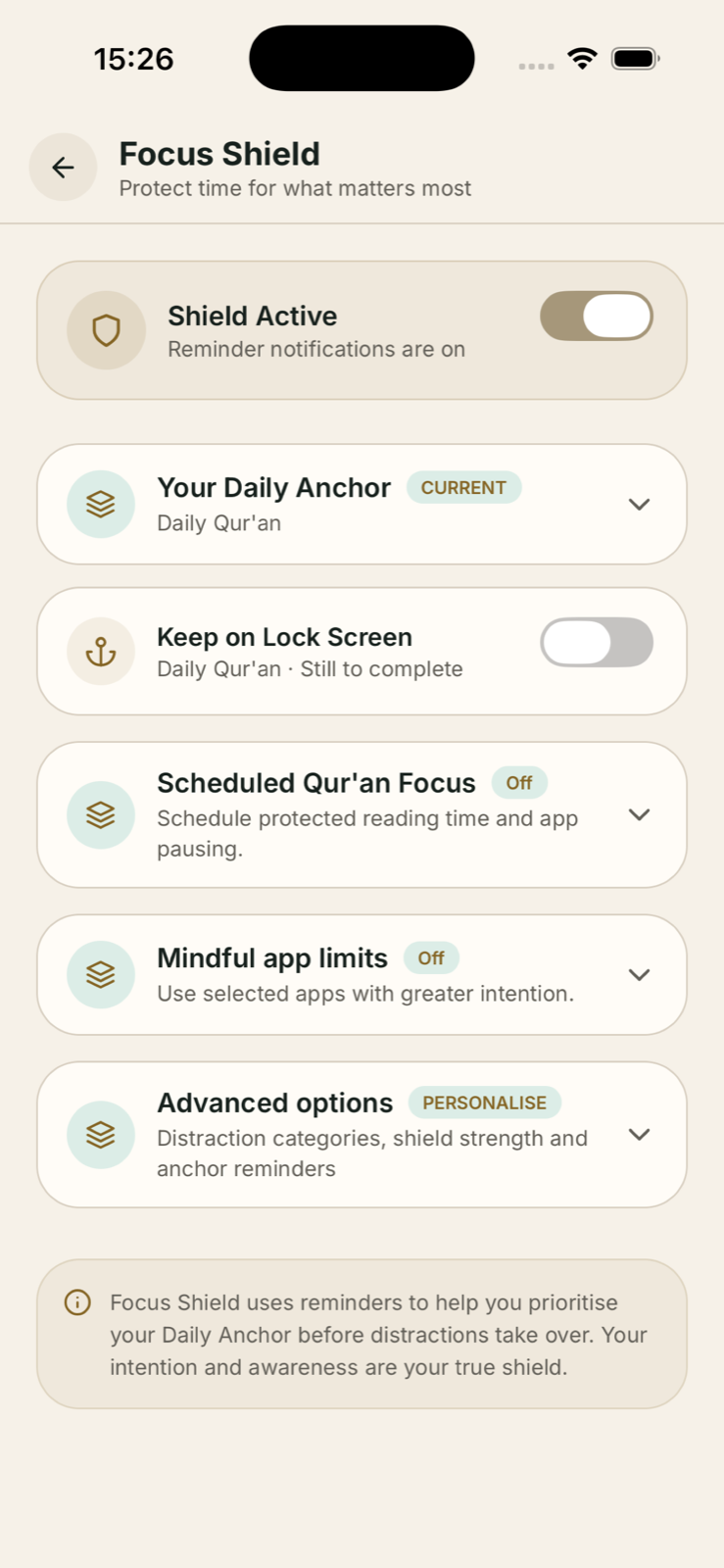
Set up Scheduled Qur'an Focus
Focus Shield shares private app selections with compatible shield features, so you do not need to expose app-usage details to Istiqamah.
Open Focus Shield
Go to More, then choose Focus Shield.
Choose your Daily Anchor
Select Qur'an reading as the commitment you want to protect, if it is not already your current anchor.
Open Scheduled Qur'an Focus
Expand the section and enable Daily reading shield.
Set a start time
Use the time controls to choose when reading focus should begin.
Choose a reading goal
Select a realistic duration, such as 10, 15 or 20 minutes.
Choose apps to pause
Use Apple's private picker to select the apps or categories you want paused during the commitment.
Allow reminders and Live Activities
Keep notifications and Live Activities enabled if you want the scheduled prompt and Lock Screen experience.
If the schedule does not trigger: confirm notifications, Screen Time authorisation and Live Activities are allowed for Istiqamah, then re-save the start time.