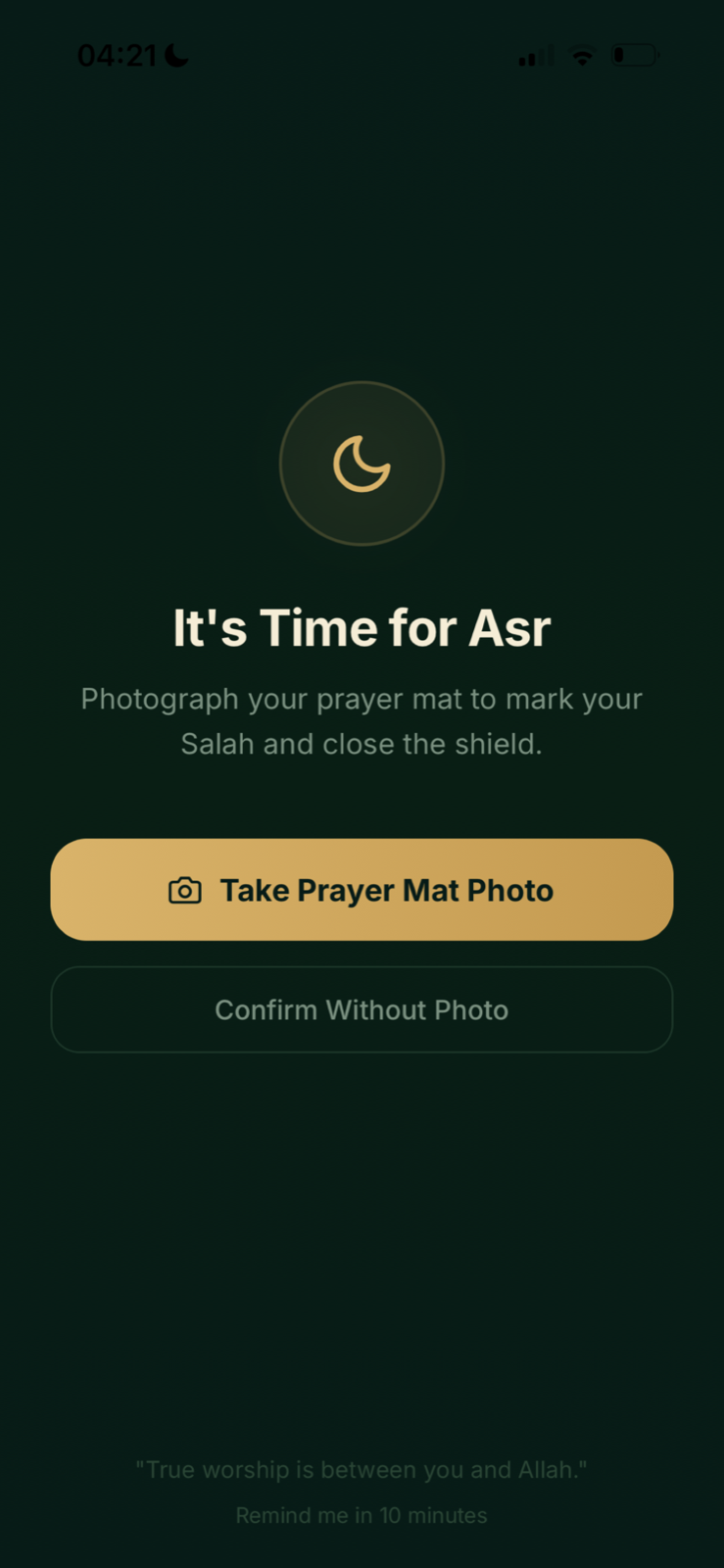
Enable Prayer Mat Check
Prayer Mat Check is optional. Salah Shield can be used without it.
Open Salah Shield
Go to More, then Salah Shield.
Find Prayer Mat Check
Open the relevant setup section and enable Require Prayer Mat Photo.
Allow camera access
When iPhone requests camera permission, choose Allow. Istiqamah cannot open the camera for this check without permission.
Use the prompt at prayer time
When the Salah intervention appears, choose Take Prayer Mat Photo and follow the on-screen camera flow.
Change permission later
Open iPhone Settings, find Istiqamah, then change Camera access. You can also disable Prayer Mat Check inside Salah Shield.
A practical reminder, not a religious judgement. Prayer Mat Check supports the routine you choose. It does not determine the validity or acceptance of Salah.