Set up Salah Shield
Menu names can vary slightly by app version, but the choices and privacy model remain the same.
Open Salah Shield
In Istiqamah, open More, then choose Salah Shield.
Turn Salah Shield on
Enable Salah Shield Active. If iPhone asks for Screen Time access, review the Apple permission sheet and approve it to use app shielding.
Choose apps privately
Open Apps to Shield, then use Apple's picker to choose apps or categories. Istiqamah stores opaque tokens, not a readable list of your activity or browsing history.
Select protected prayers
Open Protected Prayers and enable the prayers you want protected. You can change these individually later.
Choose when the shield begins
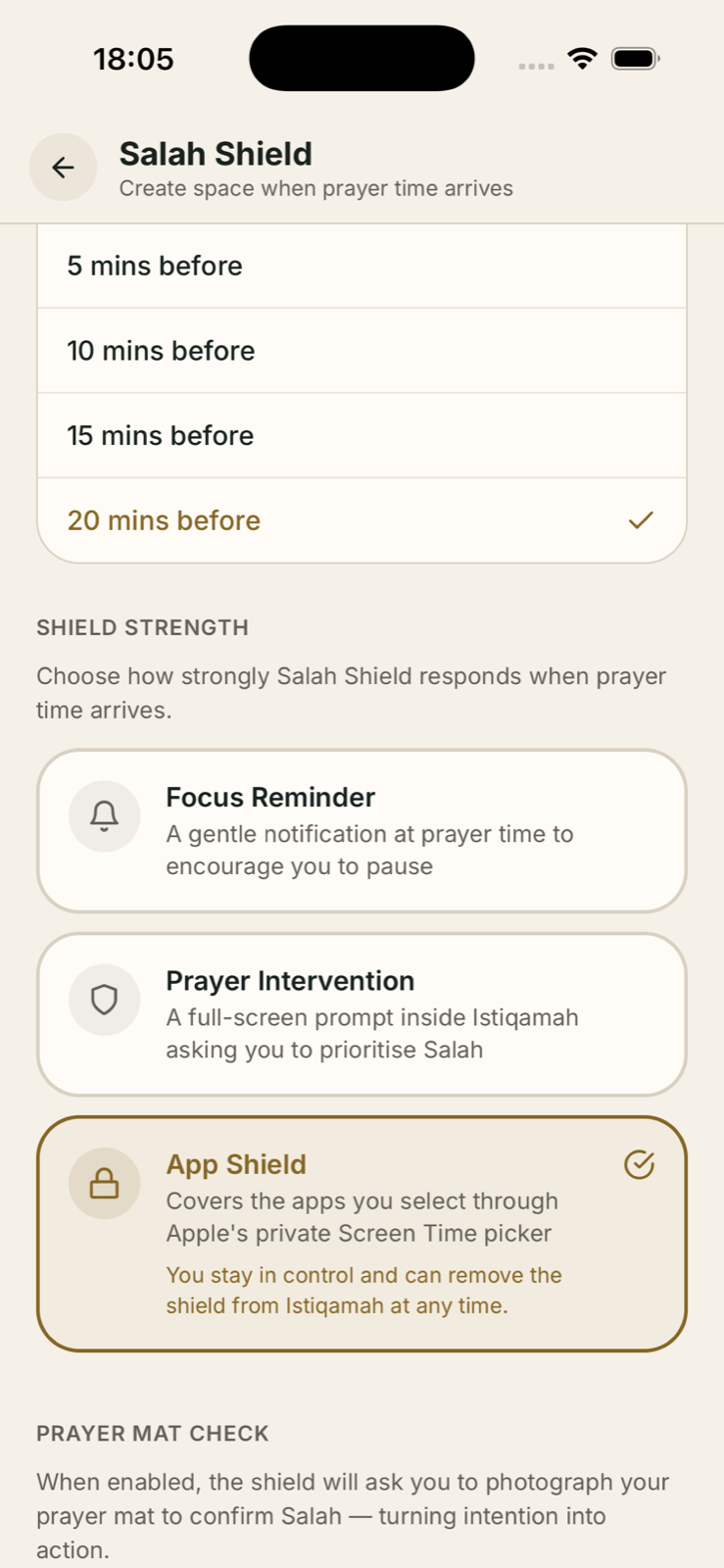
Under shielding options, choose prayer time or an earlier interval such as 5, 10, 15 or 20 minutes before.
Choose App Shield
Select the app-shield response when you want the chosen apps paused. Gentler reminder options remain available if you prefer them.
Confirm your next prayer time
Check that location, prayer calculation method and the next prayer shown in Istiqamah are correct. Salah Shield follows those prayer times.